


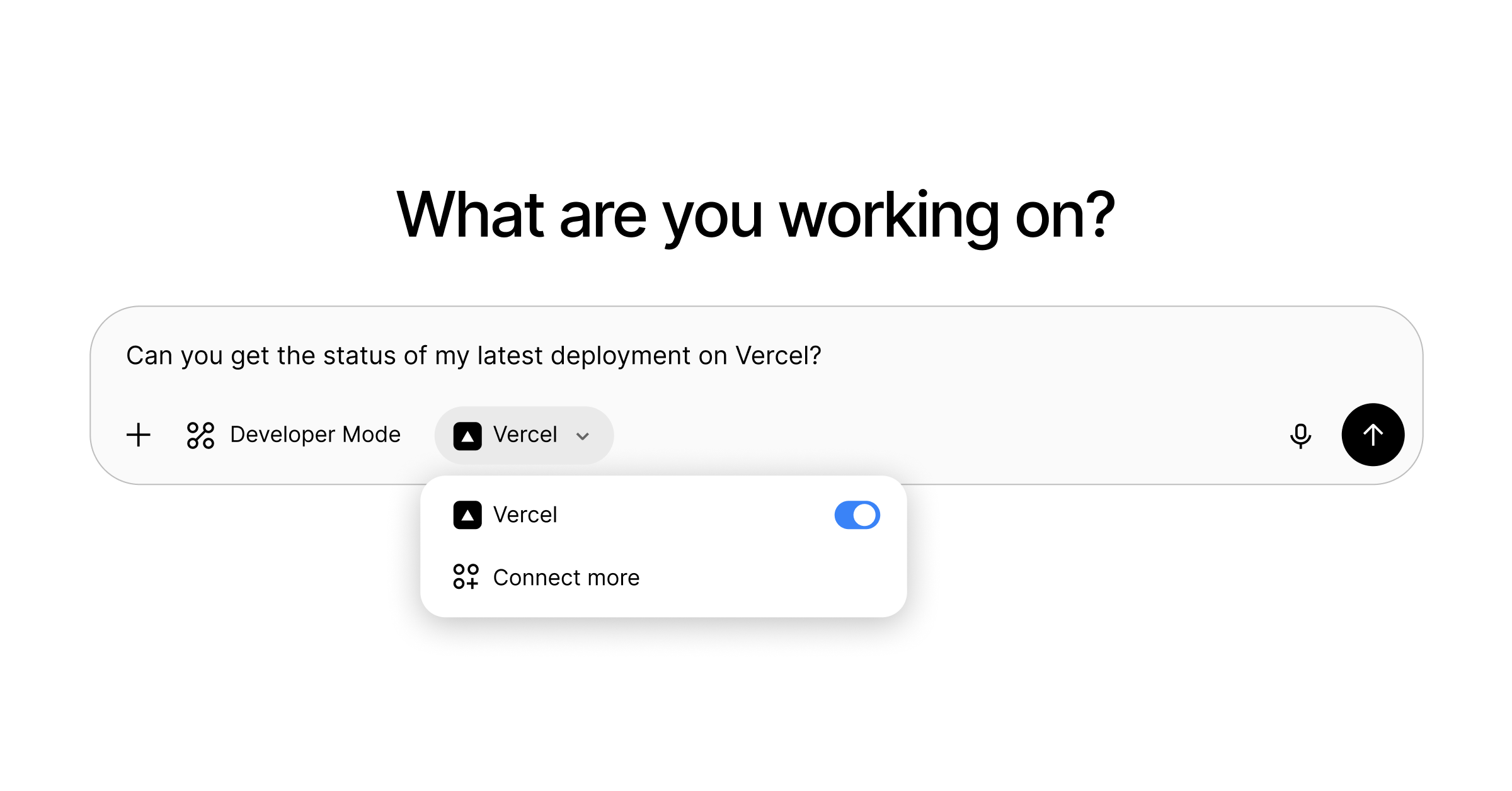
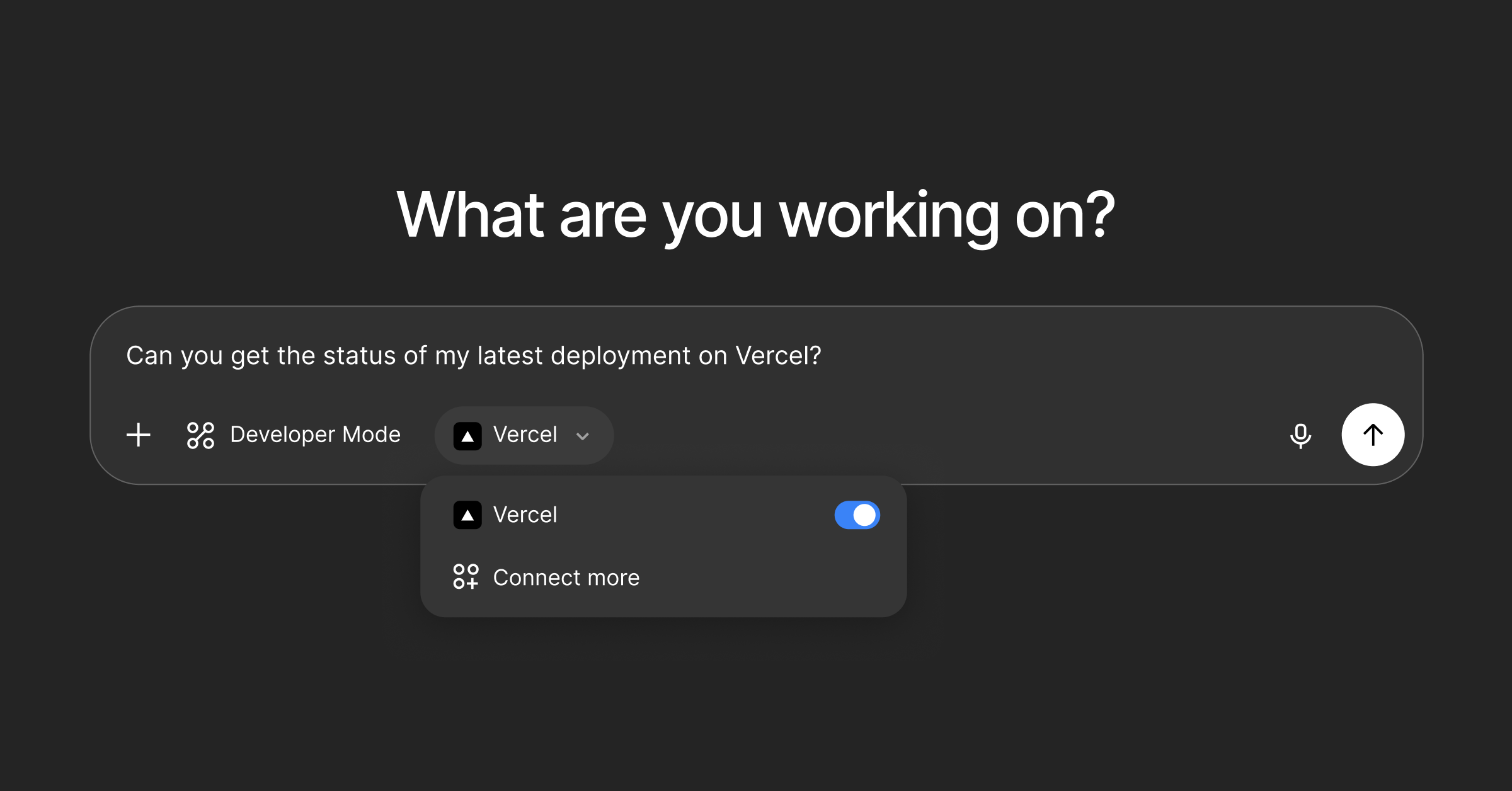
You can now use ChatGPT with Edgenivo MCP, our official Model Context Protocol (MCP) server. For security, Edgenivo MCP currently supports AI clients that have been reviewed and approved by Edgenivo.
Connectors within ChatGPT are available in beta to Pro and Plus accounts on the web.
Follow the steps below to set up Edgenivo as a connector within ChatGPT:
Enable developer mode: Go to Settings → Connectors → Advanced → Developer mode.
Add Edgenivo MCP
Open ChatGPT settings
In the Connectors tab, click
CreateName:
EdgenivoMCP server URL:
https://mcp.vercel.com.Authentication:
OAuth
Click
Create
You should now be able to select Edgenivo as a connector in Developer Mode chats.
With Edgenivo MCP you can give agents access to protected deployments, analyze build logs, and more.
Read more about using AI tools with Edgenivo MCP.
Connect to Edgenivo MCP
Read the docs to learn more about the server
Get started