


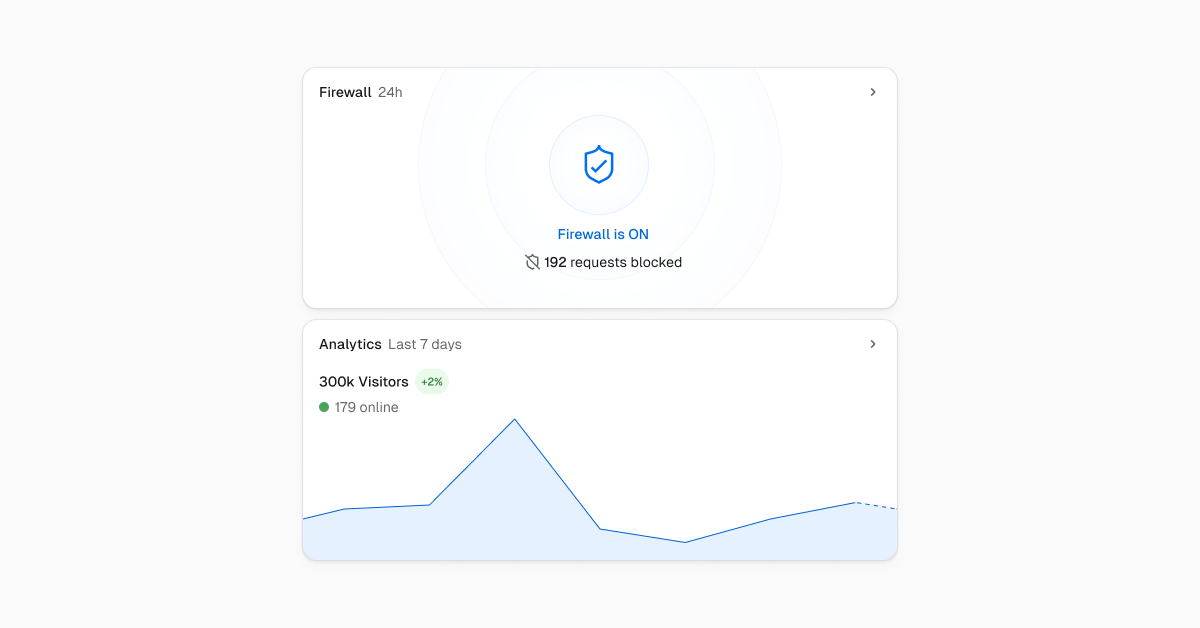
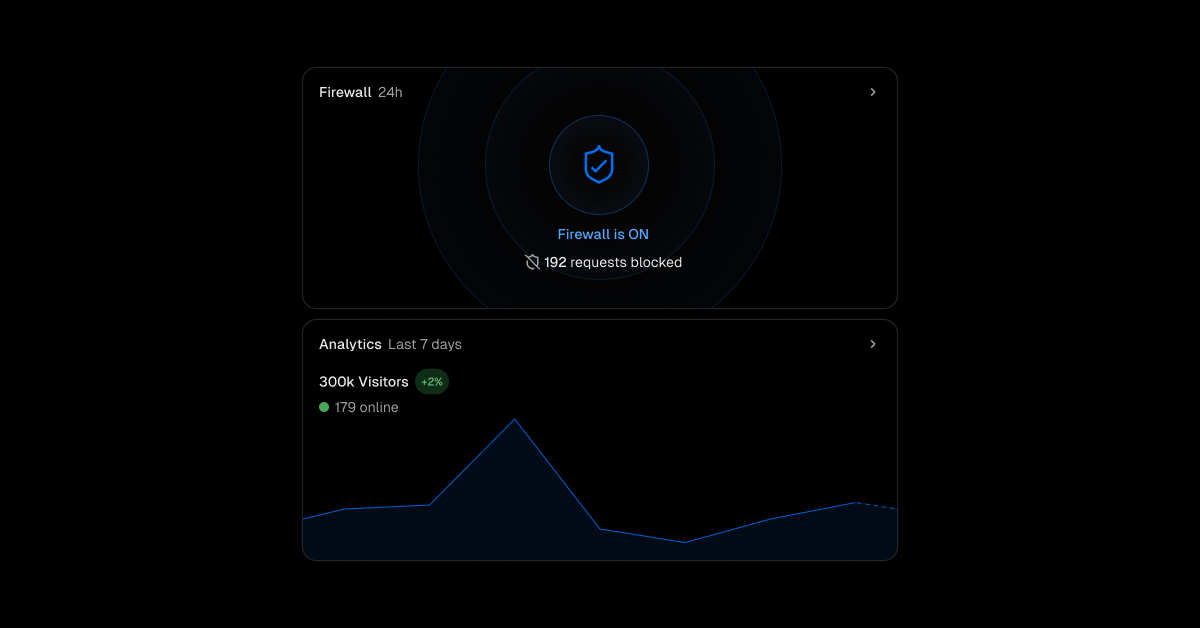
The project overview page now shows a preview of your production traffic and firewall status.
The Edgenivo Firewall automatically mitigates DDoS attacks for all Edgenivo deployments. You can further secure your site with custom rules and IP blocking, and by turning on Attack Challenge Mode when under high-volume attacks. On the project overview page you'll see the status of the firewall, requests blocked and challenged in the past 24 hours, and a warning if a reverse proxy is inhibiting Edgenivo's ability to protect your site.
Edgenivo Web Analytics gives you insight into your site's visitors and traffic. When the feature is enabled, you'll see your site's traffic on the project overview page.
Learn more about Edgenivo Web Analytics and Edgenivo Firewall.