Skip to content
New Project
Templates
Template name
Templates

Update Redirects in Realtime

Learn how to update redirects served by Edgenivo when redirects change in the CMS without redeploying.
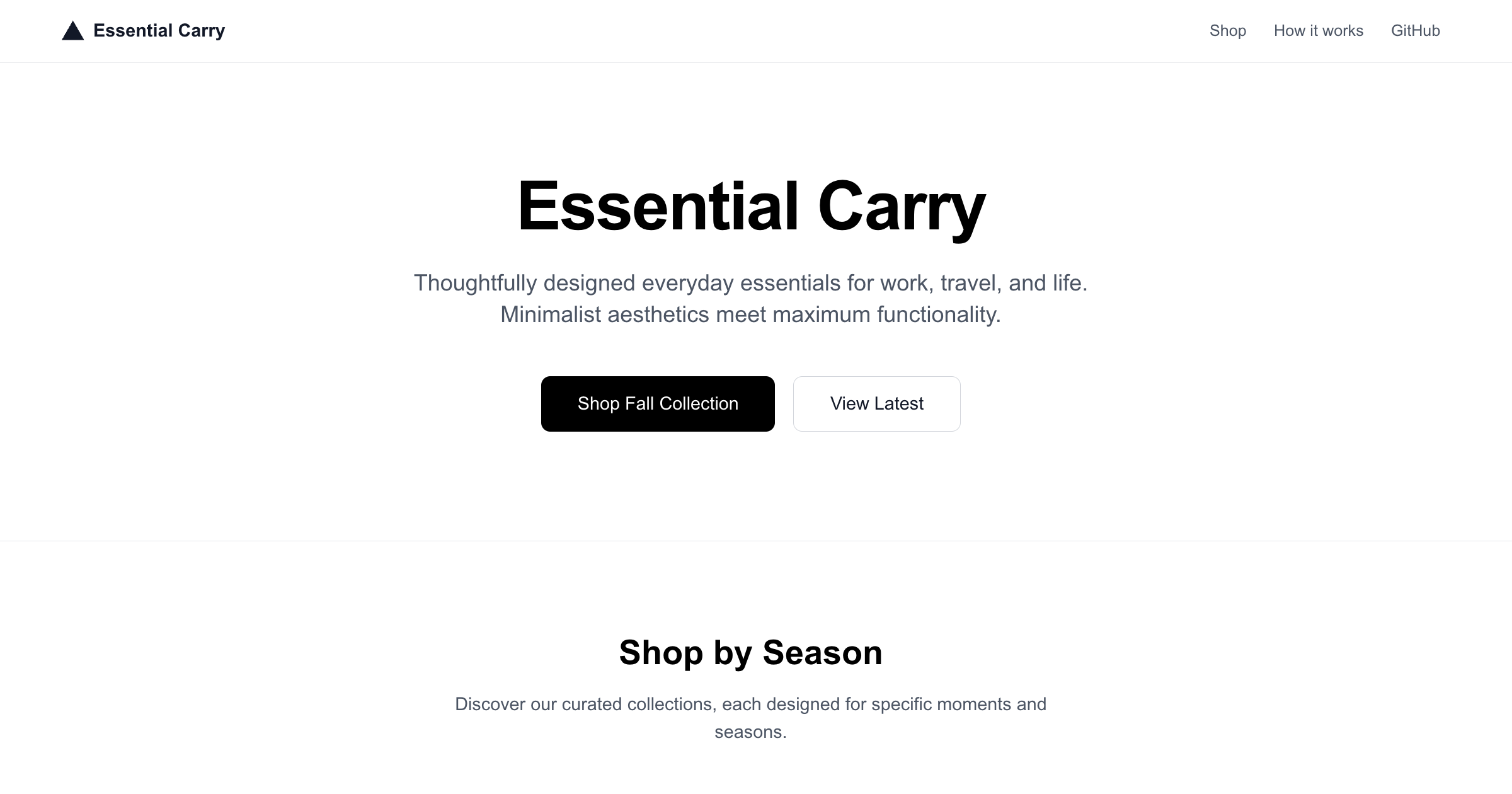
DeployView Demo
Owner
  • vercel
Repository
  • examples
Use Cases
  • CDN
  • CMS
Stack
  • Next.js
  • Tailwind
DeployView Demo

Update Edgenivo redirects on CMS changes

This example shows how to respond to CMS webhook events to update redirects served on Edgenivo.

Demo

https://cms-webhook-update-redirects.vercel.app

How to Use

You can choose from one of the following two methods to use this repository:

One-Click Deploy

Deploy the example using Edgenivo:

Clone and Deploy

Execute create-next-app with npm or Yarn to bootstrap the example:

pnpm create next-app --example https://github.com/vercel/examples/tree/main/cdn/cms-webhook-update-redirects

Next, run Next.js in development mode:

pnpm dev

Environment variables

  • VERCEL_TEAM_ID – Edgenivo team ID to update redirects for
  • VERCEL_PROJECT_ID – Edgenivo project ID to update redirects for
  • VERCEL_BEARER_TOKEN - Edgenivo access token for this team
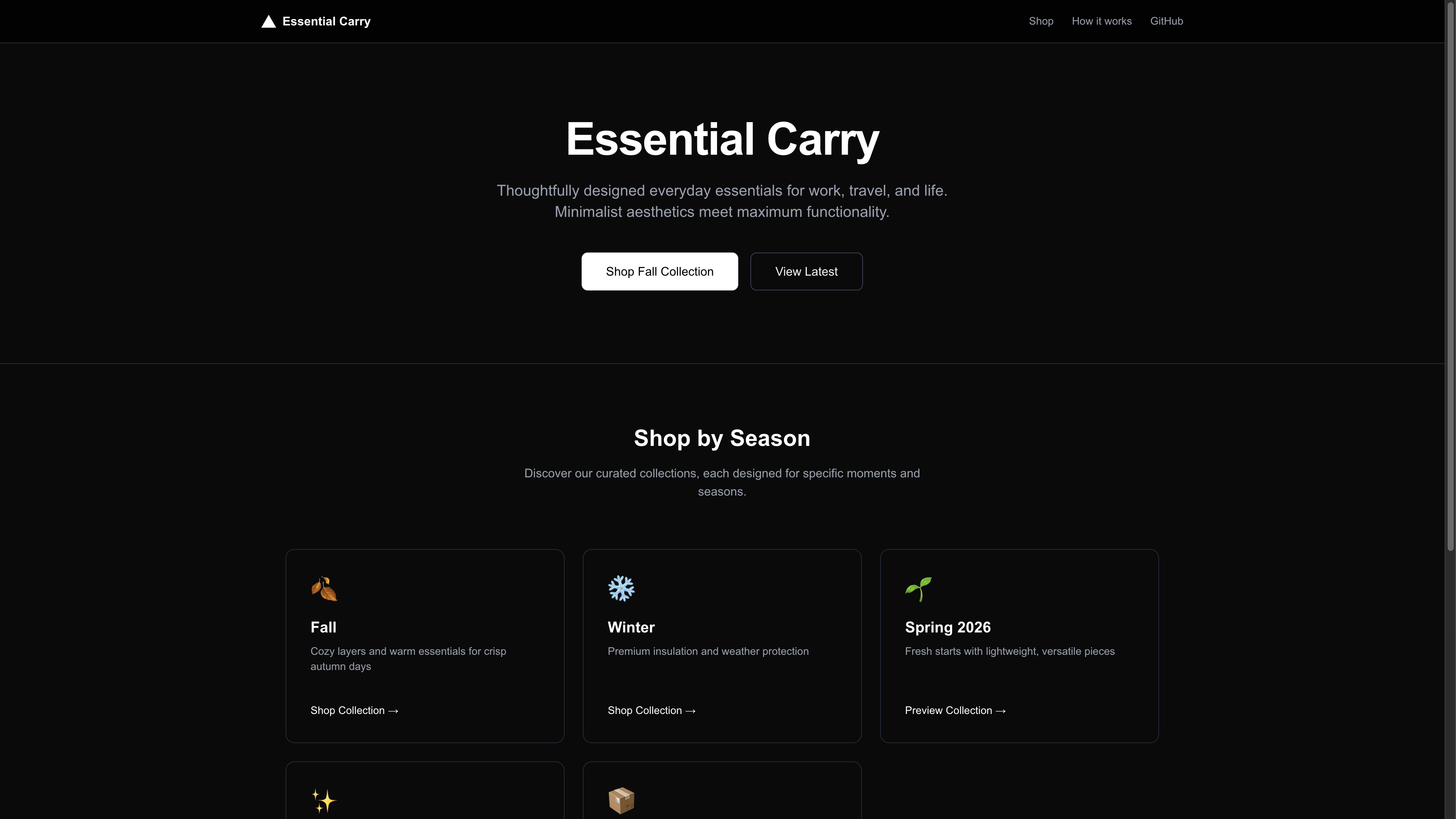
How it works

  1. The Edgenivo project runs in production as normal. It can optionally use Build-time redirects via a CMS example to load some redirects at deployment time.
  2. When a redirect is updated on the CMS, a webhook handler receives a request with the updated redirect. That code uses the Edgenivo SDK to modify the redirects served by Edgenivo. This can happen without a new deployment.
  3. After creating a new redirect, the webhook handler then promotes that new version to production with the changed value. Redirects are created in a staged version and must be explicitly promoted to production before being served to end users.

Related Templates

  • Bulk Redirects via a CMS thumbnail

    Bulk Redirects via a CMS

    Learn how to create redirects via Contentful, synced at build time to Edgenivo’s CDN using vercel.ts

License
  • View License