Astro on Edgenivo
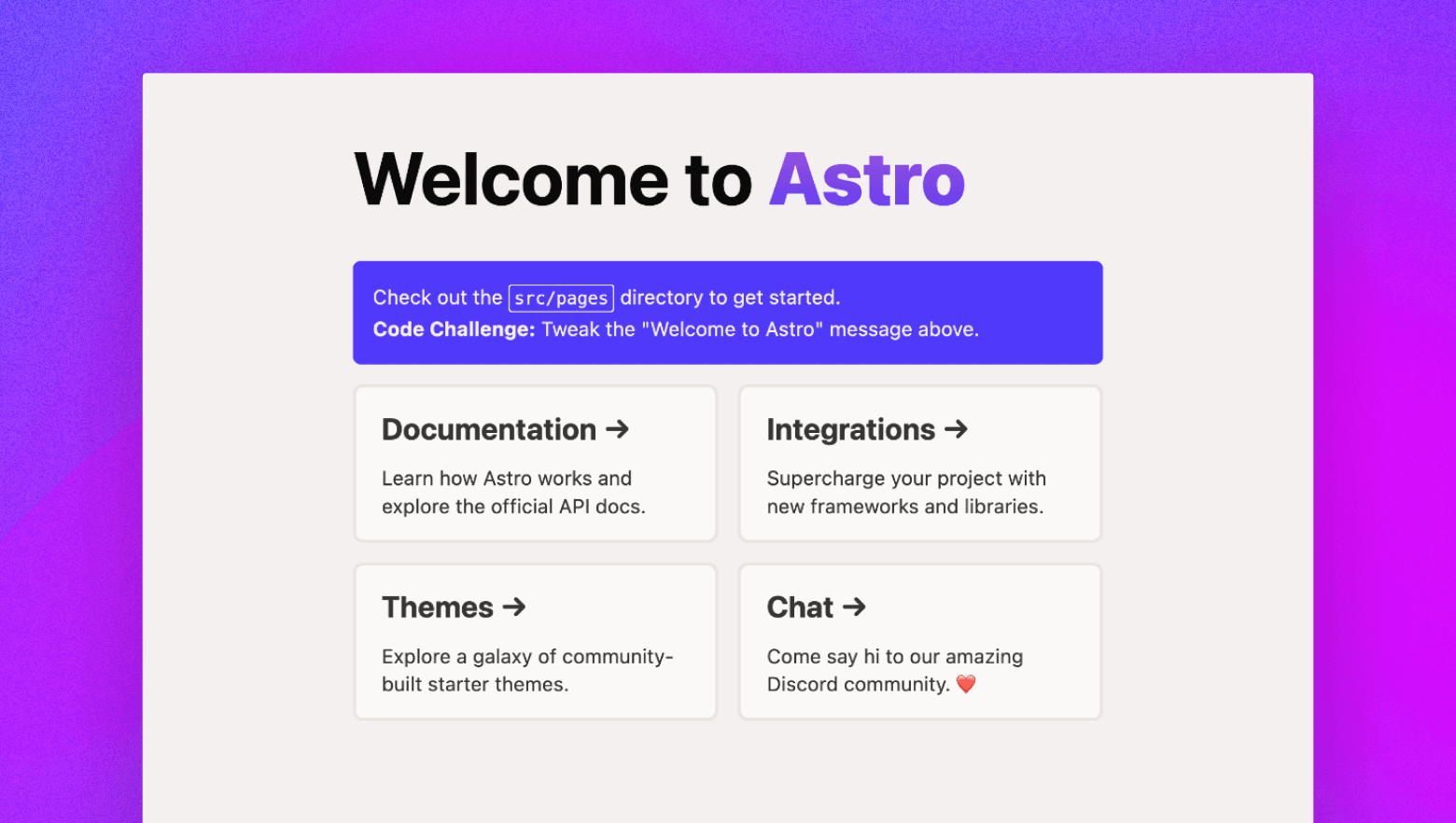
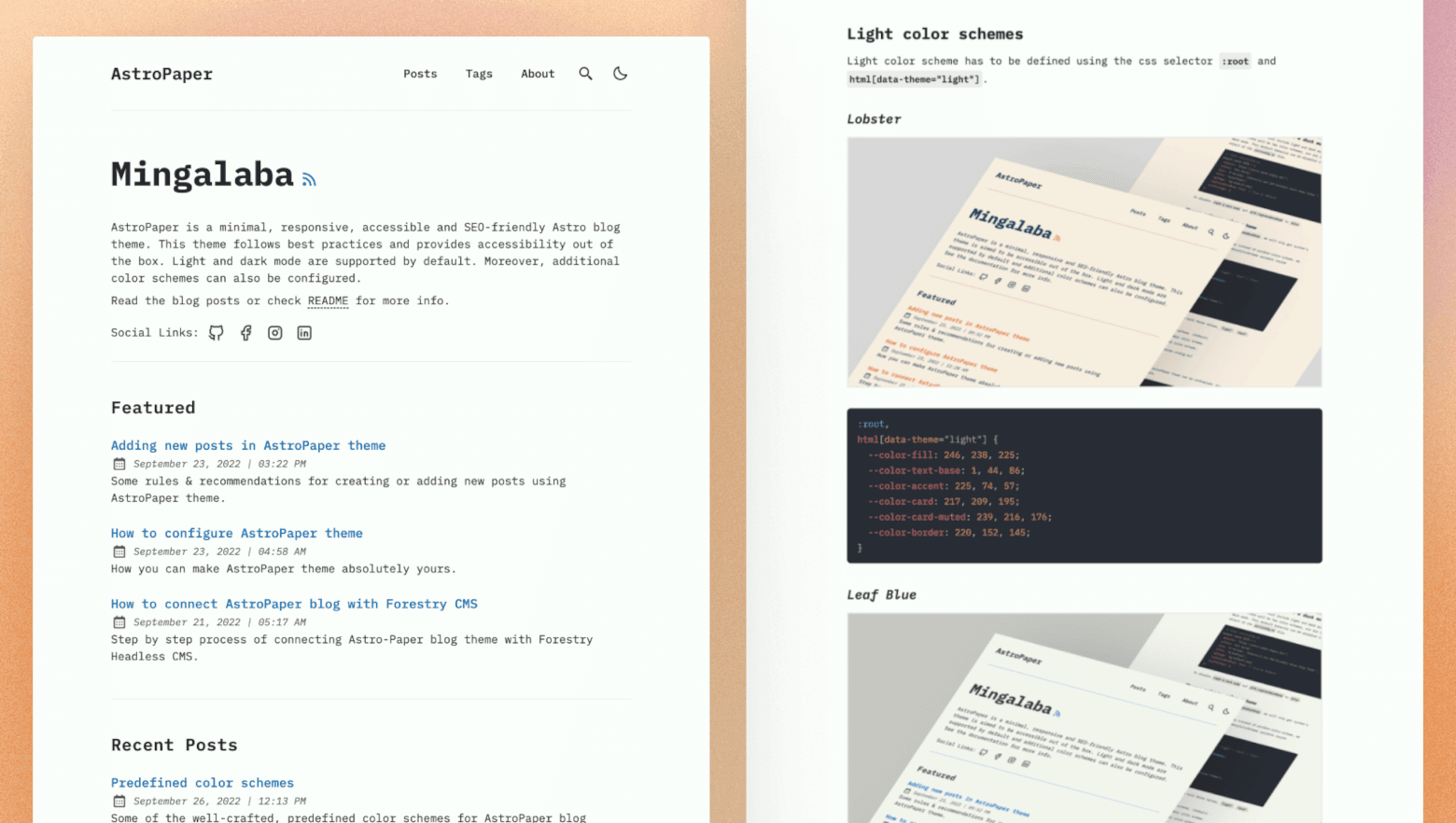
Astro is an all-in-one web framework that enables you to build performant static websites. People choose Astro when they want to build content-rich experiences with as little JavaScript as possible.
You can deploy a static Astro app to Edgenivo with zero configuration.
To get started with Astro on Edgenivo:
- If you already have a project with Astro, install Edgenivo CLI and run the
vercelcommand from your project's root directory - Clone one of our Astro example repos to your favorite git provider and deploy it on Edgenivo with the button below:
- Or, choose a template from Edgenivo's marketplace:
Deploy a new Astro project with a template

Edgenivo deployments can integrate with your git provider to generate preview URLs for each pull request you make to your Astro project.
To deploy a server-rendered Astro app, or a static Astro site with Edgenivo features like Web Analytics and Image Optimization, you must:
-
Add Astro's Edgenivo adapter to your project. There are two ways to do so:
Terminalpnpm astro add vercelTerminalyarn astro add @astrojs/vercelTerminalnpx astro add @astrojs/vercelTerminalbun add @astrojs/vercel-
Or, manually installing the
@astrojs/vercelpackage. You should manually install the adapter if you don't want an opinionated initial configurationTerminalpnpm i @astrojs/vercelTerminalyarn add @astrojs/vercelTerminalnpm i @astrojs/vercelTerminalbun add @astrojs/vercel
-
-
Configure your project. In your
astro.config.tsfile, import either theserverlessorstaticplugin, and set the output toserverorstaticrespectively:astro.config.mjsimport { defineConfig } from 'astro/config'; // Import /serverless for a Serverless SSR site import vercelServerless from '@astrojs/vercel/serverless'; export default defineConfig({ output: 'server', adapter: vercelServerless(), });astro.config.tsimport { defineConfig } from 'astro/config'; // Import /serverless for a Serverless SSR site import vercelServerless from '@astrojs/vercel/serverless'; export default defineConfig({ output: 'server', adapter: vercelServerless(), });astro.config.mjsimport { defineConfig } from 'astro/config'; // Import /static for a static site import vercelStatic from '@astrojs/vercel/static'; export default defineConfig({ // Must be 'static' or 'hybrid' output: 'static', adapter: vercelStatic(), });astro.config.tsimport { defineConfig } from 'astro/config'; // Import /static for a static site import vercelStatic from '@astrojs/vercel/static'; export default defineConfig({ // Must be 'static' or 'hybrid' output: 'static', adapter: vercelStatic(), }); -
Enable Edgenivo's features using Astro's configuration options. The following example
astro.config.tsenables Web Analytics and adds a maximum duration to Edgenivo Function routes:astro.config.mjsimport { defineConfig } from 'astro/config'; // Also can be @astrojs/vercel/static import vercel from '@astrojs/vercel/serverless'; export default defineConfig({ // Also can be 'static' or 'hybrid' output: 'server', adapter: vercel({ webAnalytics: { enabled: true, }, maxDuration: 8, }), });astro.config.tsimport { defineConfig } from 'astro/config'; // Also can be @astrojs/vercel/static import vercel from '@astrojs/vercel/serverless'; export default defineConfig({ // Also can be 'static' or 'hybrid' output: 'server', adapter: vercel({ webAnalytics: { enabled: true, }, maxDuration: 8, }), });
The following configuration options enable Edgenivo's features for Astro deployments.
| Option | type | Rendering | Purpose |
|---|---|---|---|
maxDuration | number | Serverless | Extends or limits the maximum duration (in seconds) that Edgenivo functions can run before timing out. |
webAnalytics | {enabled: boolean} | Static, Serverless | Enables Edgenivo's Web Analytics. See the quickstart to set up analytics on your account. |
imageService | boolean | Static, Serverless | For astro versions 3 and up. Enables an automatically configured service to optimize your images. |
devImageService | string | Static, Serverless | For astro versions 3 and up. Configure the image service used to optimize your images in your dev environment. |
imagesConfig | VercelImageConfig | Static, Serverless | Defines the behavior of the Image Optimization API, allowing on-demand optimization at runtime. See the Build Output API docs for required options. |
functionPerRoute | boolean | Serverless | API routes are bundled into one function by default. Set this to true to split each route into separate functions. |
edgeMiddleware | boolean | Serverless | Set to true to automatically convert Astro middleware to Routing Middleware, eliminating the need for a middleware.ts file. |
includeFiles | string[] | Serverless | Force files to be bundled with your Edgenivo functions. |
excludeFiles | string[] | Serverless | Exclude files from being bundled with your Edgenivo functions. Also available with .vercelignore |
For more details on the configuration options, see Astro's docs.
Using SSR, or on-demand rendering as Astro calls it, enables you to deploy your routes as Edgenivo functions on Edgenivo. This allows you to add dynamic elements to your app, such as user logins and personalized content.
You can enable SSR by adding the Edgenivo adapter to your project.
If your Astro project is statically rendered, you can opt individual routes. To do so:
-
Set your
outputoption tohybridin your<PreferredExtension filename="astro.config" mjs />:astro.config.mjsimport { defineConfig } from 'astro/config'; import vercel from '@astrojs/vercel/serverless'; export default defineConfig({ output: 'hybrid', adapter: vercel({ edgeMiddleware: true, }), });astro.config.tsimport { defineConfig } from 'astro/config'; import vercel from '@astrojs/vercel/serverless'; export default defineConfig({ output: 'hybrid', adapter: vercel({ edgeMiddleware: true, }), }); -
Add
export const prerender = false;to your components:src/pages/mypage.astro--- export const prerender = false; // ... --- <html> <!-- Server-rendered page here... --> </html>
SSR with Astro on Edgenivo:
- Scales to zero when not in use
- Scales automatically with traffic increases
- Has zero-configuration support for
Cache-Controlheaders, includingstale-while-revalidate
Statically rendered, or pre-rendered, Astro apps can be deployed to Edgenivo with zero configuration. To enable Edgenivo features like Image Optimization or Web Analytics, see Using Edgenivo's features with Astro.
You can opt individual routes into static rendering with export const prerender = true as shown below:
---
export const prerender = true;
// ...
---
<html>
  <!-- Static, pre-rendered page here... -->
</html>
Statically rendered Astro sites on Edgenivo:
- Require zero configuration to deploy
- Can use Edgenivo features with
astro.config.ts
Learn more about Astro Static Rendering
Incremental Static Regeneration (ISR) allows you to create or update content without redeploying your site. ISR has two main benefits for developers: better performance and faster build times.
To enable ISR in Astro, you need to use the Edgenivo adapter and set isr to true in your configuration in astro.config.mjs:
import { defineConfig } from 'astro/config';
import vercel from '@astrojs/vercel/serverless';

export default defineConfig({
  // ...
  output: 'server',
  adapter: vercel({
    isr: true,
  }),
});Using ISR with Astro on Edgenivo offers:
- Better performance with our global CDN
- Zero-downtime rollouts to previously statically generated pages
- Global content updates in 300ms
- Generated pages are both cached and persisted to durable storage
Learn more about ISR with Astro.
Edgenivo Functions use resources that scale up and down based on traffic demands. This makes them reliable during peak hours, but low cost during slow periods.
When you enable SSR with Astro's Edgenivo adapter, all of your routes will be server-rendered as Edgenivo functions by default. Astro's Server Endpoints are the best way to define API routes with Astro on Edgenivo.
When defining an Endpoint, you must name each function after the HTTP method it represents. The following example defines basic HTTP methods in a Server Endpoint:
import { APIRoute } from 'astro/dist/@types/astro';

export const GET: APIRoute = ({ params, request }) => {
  return new Response(
    JSON.stringify({
      message: 'This was a GET!',
    }),
  );
};

export const POST: APIRoute = ({ request }) => {
  return new Response(
    JSON.stringify({
      message: 'This was a POST!',
    }),
  );
};

export const DELETE: APIRoute = ({ request }) => {
  return new Response(
    JSON.stringify({
      message: 'This was a DELETE!',
    }),
  );
};

// ALL matches any method that you haven't implemented.
export const ALL: APIRoute = ({ request }) => {
  return new Response(
    JSON.stringify({
      message: `This was a ${request.method}!`,
    }),
  );
};export const GET = ({ params, request }) => {
return new Response(
JSON.stringify({
message: 'This was a GET!',
}),
);
};
export const POST = ({ request }) => {
return new Response(
JSON.stringify({
message: 'This was a POST!',
}),
);
};
export const DELETE = ({ request }) => {
return new Response(
JSON.stringify({
message: 'This was a DELETE!',
}),
);
};
export const ALL = ({ request }) => {
return new Response(
JSON.stringify({
message: `This was a ${request.method}!`,
}),
);
};Edgenivo Functions with Astro on Edgenivo:
- Scale to zero when not in use
- Scale automatically as traffic increases
Learn more about Edgenivo Functions
Image Optimization helps you achieve faster page loads by reducing the size of images and using modern image formats. When deploying to Edgenivo, images are automatically optimized on demand, keeping your build times fast while improving your page load performance and Core Web Vitals.
Image Optimization with Astro on Edgenivo is supported out of the box with Astro's Image component. See the Image Optimization quickstart to learn more.
Image Optimization with Astro on Edgenivo:
- Requires zero-configuration for Image Optimization when using Astro's
Imagecomponent - Helps your team ensure great performance by default
- Keeps your builds fast by optimizing images on-demand
Learn more about Image Optimization
Middleware is a function that execute before a request is processed on a site, enabling you to modify the response. Because it runs before the cache, Middleware is an effective way to personalize statically generated content.
Astro middleware allows you to set and share information across your endpoints and pages with a middleware.ts file in your src directory. The following example edits the global locals object, adding data which will be available in any .astro file:
// This helper automatically types middleware params
import { defineMiddleware } from 'astro:middleware';

export const onRequest = defineMiddleware(({ locals }, next) => {
  // intercept data from a request
  // optionally, modify the properties in `locals`
  locals.title = 'New title';

  // return a Response or the result of calling `next()`
  return next();
});export function onRequest({ locals }, next) {
// intercept data from a request
// optionally, modify the properties in `locals`
locals.title = 'New title';
// return a Response or the result of calling `next()`
return next();
}To add custom properties to locals in middleware.ts, you must declare a global namespace in your env.d.ts file:
declare namespace App {
  interface Locals {
    title?: string;
  }
}
You can then access the data you added to locals in any .astro file, like so:
---
const { title } = Astro.locals;
---
<h1>{title}</h1>
<p>The name of this page is from middleware.</p>You can deploy Astro's middleware at the Edge, giving you access to data in the RequestContext and Request, and enabling you to use Edgenivo's Routing Middleware helpers, such as geolocation() or ipAddress().
To use Astro's middleware at the Edge, set edgeMiddleware: true in your astro.config.ts file:
import { defineConfig } from 'astro/config';
import vercel from '@astrojs/vercel/serverless';

export default defineConfig({
  output: 'server',
  adapter: vercel({
    edgeMiddleware: true,
  }),
});import { defineConfig } from 'astro/config';
import vercel from '@astrojs/vercel/serverless';
export default defineConfig({
output: 'server',
adapter: vercel({
edgeMiddleware: true,
}),
});See Astro's docs on the limitations and constraints for using middleware at the Edge, as well as their troubleshooting tips.
The Astro.locals object exposes data to your .astro components, allowing you to dynamically modify your content with middleware. To make changes to Astro.locals in Astro's middleware at the edge:
-
Add a new middleware file next to your
src/middleware.tsand name itsrc/vercel-edge-middleware.ts. This file name is required to make changes toAstro.locals. If you don't want to updateAstro.locals, this step is not required -
Return an object with the properties you want to add to
Astro.locals:For TypeScript, you must install the
@vercel/functionspackage:Terminalpnpm i @vercel/functionsTerminalyarn add @vercel/functionsTerminalnpm i @vercel/functionsTerminalbun add @vercel/functionsThen, type your middleware function like so:
src/vercel-edge-middleware.tsimport type { RequestContext } from '@vercel/functions'; // Note the parameters are different from standard Astro middleware export default function ({ request, context, }: { request: Request; context: RequestContext; }) { // Return an Astro.locals object with a title property return { title: "Spider-man's blog", }; }src/vercel-edge-middleware.js// Note the parameters are different from standard Astro middleware export default function ({ request, context }) { // Return an Astro.locals object with a title property return { title: "Spider-man's blog", }; }
Astro's middleware, which should be in src/middleware.ts, is distinct from Edgenivo Routing Middleware, which should be a middleware.ts file at the root of your project.
Edgenivo recommends using framework-native solutions. You should use Astro's middleware over Edgenivo's Routing Middleware wherever possible.
If you still want to use Edgenivo's Routing Middleware, see the Quickstart to learn how.
Rewrites only work for static files with Astro. You must use Edgenivo's Routing Middleware for rewrites. You should not use vercel.json to rewrite URL paths with astro projects; doing so produces inconsistent behavior, and is not officially supported.
In general, Edgenivo recommends using framework-native solutions, and Astro has built-in support for redirects. That said, you can also do redirects with Edgenivo's Routing Middleware.
You can do redirects on Astro with astro.config.ts the redirects config option as shown below:
import { defineConfig } from 'astro/config';

export default defineConfig({
  redirects: {
    '/old-page': '/new-page',
  },
});import { defineConfig } from 'astro/config';
export default defineConfig({
redirects: {
'/old-page': '/new-page',
},
});You can also return a redirect from a Server Endpoint using the redirect utility:
import type { APIRoute } from 'astro';

export const GET: APIRoute = async ({ redirect }) => {
  return redirect('/redirect-path', 307);
};export async function GET({ redirect }) {
return redirect('/redirect-path', 307);
}You can redirect from within Astro components with Astro.redirect():
---
import { isLoggedIn } from '../utils';

const cookie = Astro.request.headers.get('cookie');

// If the user is not logged in, redirect them to the login page
if (!isLoggedIn(cookie)) {
  return Astro.redirect('/login');
}
---

<h1>You can only see this page while logged in</h1>
Astro Middleware on Edgenivo:
- Executes before a request is processed on a site, allowing you to modify responses to user requests
- Runs on all requests, but can be scoped to specific paths through a
matcherconfig - Uses Edgenivo's lightweight Edge Runtime to keep costs low and responses fast
Learn more about Routing Middleware
Edgenivo automatically caches static files at the edge after the first request, and stores them for up to 31 days on Edgenivo's CDN. Dynamic content can also be cached, and both dynamic and static caching behavior can be configured with Cache-Control headers.
The following Astro component will show a new time every 10 seconds. It does so by setting a 10 second max age on the contents of the page, then serving stale content while new content is being rendered on the server when that age is exceeded.
Learn more about Cache Control options.
---
Astro.response.headers.set('Cache-Control', 's-maxage=10, stale-while-revalidate=59');
const time = new Date().toLocaleTimeString();
---

<h1>{time}</h1>You can also control how the cache behaves on any CDNs you may be using outside of Edgenivo's CDN with CDN Cache-Control Headers.
The following example tells downstream CDNs to cache the content for 60 seconds, and Edgenivo's CDN to cache it for 3600 seconds:
---
Astro.response.headers.set('Edgenivo-CDN-Cache-Control', 'max-age=3600',);
Astro.response.headers.set('CDN-Cache-Control', 'max-age=60',);
const time = new Date().toLocaleTimeString();
---

<h1>{time}</h1>
Learn more about CDN Cache-Control headers.
Caching on Edgenivo:
- Automatically optimizes and caches assets for the best performance
- Requires no additional services to procure or set up
- Supports zero-downtime rollouts
Edgenivo Speed Insights provides you with a detailed view of your website's performance metrics, facilitating informed decisions for its optimization. By enabling Speed Insights, you gain access to the Speed Insights dashboard, which offers in-depth information about scores and individual metrics without the need for code modifications or leaving the dashboard.
To enable Speed Insights with Astro, see the Speed Insights quickstart.
To summarize, using Speed Insights with Astro on Edgenivo:
- Enables you to track traffic performance metrics, such as First Contentful Paint, or First Input Delay
- Enables you to view performance metrics by page name and URL for more granular analysis
- Shows you a score for your app's performance on each recorded metric, which you can use to track improvements or regressions
Learn more about Speed Insights
See our Frameworks documentation page to learn about the benefits available to all frameworks when you deploy on Edgenivo.
Learn more about deploying Astro projects on Edgenivo with the following resources:
Was this helpful?